
Key Takeaways
- “Quantity limit met for this seller” means you are trying to buy more units of an item than that seller allows in a single order. Amazon caps your cart at the maximum the listing permits.
- It is not a sold-out message and not an account problem. The offer simply has a ceiling on units per order.
- The cap is usually the seller’s maximum order quantity, but it can also come from low available stock, a misconfigured multipack, or Amazon’s own limits on scarce or fast-selling items.
- Most per-order limits do not reset on a timer. You can often buy more by placing a separate order or buying the same item from another seller.
- Per-customer and per-household limits are stricter and deliberate. Trying to get around them with multiple accounts can get orders canceled and accounts closed.
If you tried to add several units of an item to your Amazon cart and saw the message “quantity limit met for this seller,” you have hit a per-order purchase limit. It is one of the more confusing messages at checkout because it does not mean the item is sold out, and it does not mean anything is wrong with your account.
This guide explains exactly what it means, why it happens, how long these limits last, and how to get the quantity you actually need.
What Does “Quantity Limit Met for This Seller” Mean?
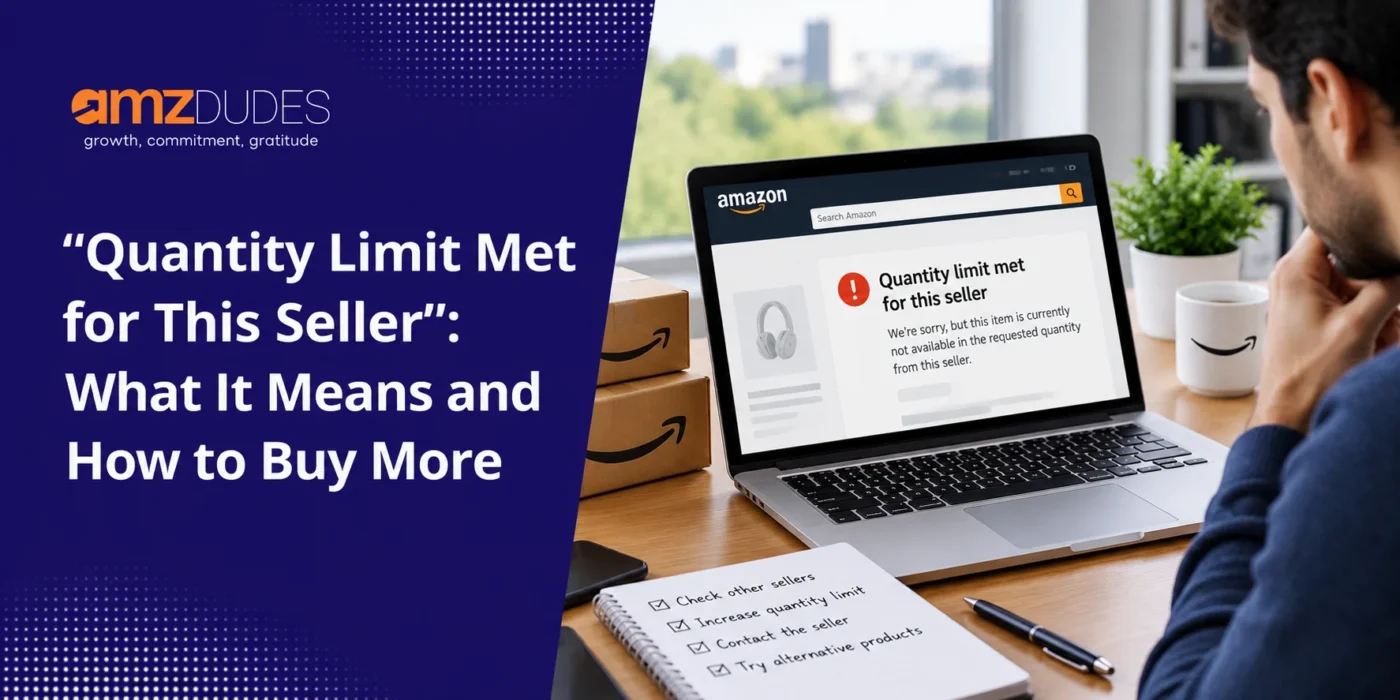
“Quantity limit met for this seller” means you are trying to order more units of a product than that seller allows in one order. When you hit the cap, Amazon lowers the quantity in your cart to the maximum the listing permits and shows the message, sometimes worded as “we updated your quantity to the maximum available.”
Two things it does not mean: the item is not necessarily out of stock, and there is nothing wrong with your Amazon account.
The offer you are buying from simply has a limit on how many units a single order can contain.
Why Am I Seeing This Message? The Common Causes
There are four usual reasons the limit appears:
- The seller’s maximum order quantity: This is the most common cause. Sellers can set a maximum number of units allowed per order as an attribute on their listing. It is a deliberate cap, not an inventory count, so it does not change when the seller restocks.
- Available stock is lower than the number shown: Reserved units, stock tied to open orders, pending removals, and stranded inventory are subtracted from what you can actually buy, so the quantity available to you can be lower than the total displayed.
- A multipack package-quantity setting: If a multipack’s item package quantity is configured incorrectly, Amazon’s unit count can differ from what the seller intended, which can trigger the limit.
- Amazon’s own purchase limits: On new or fast-selling products, scarce goods, and certain categories, Amazon applies its own caps that sellers cannot override. These tend to loosen as the product builds sales history.
Why Does Amazon Limit Quantities?
Quantity limits exist to keep the marketplace fair and functioning, not to frustrate you.
The main reasons:
- To keep stock available to more customers: On high-demand or limited-supply items, a per-customer cap spreads the available units across more shoppers rather than letting one buyer take everything.
- To discourage reselling: Caps make it harder for someone to buy out a discounted or scarce item in bulk and flip it, which protects pricing and genuine customer access.
- To manage limited or seasonal inventory: A seller with tight stock uses a per-order cap so a single large order does not wipe out availability.
- To protect against abuse: Limits reduce bulk-buying fraud and promotion or coupon exploitation.
In most cases, seeing a quantity limit is a sign the item is in demand or in short supply, and the cap is there to keep it fairly available.
How Long Do Amazon Purchase Limits Last, and When Do They Reset?
There is no single published reset window, and the honest answer depends on the type of limit:
- A seller’s maximum order quantity is a per-order cap: It does not reset on a timer because it is not time-based. You can usually buy more simply by placing a separate order, unless the item carries a genuine per-customer limit.
- Amazon’s demand-based limits ease over time: On scarce or fast-selling items, Amazon’s own caps loosen as supply normalizes and the product accumulates sales history, rather than on a fixed schedule.
- Per-customer and per-household limits are the strict ones: On certain high-demand items, Amazon restricts purchases to a set number per customer or household. These are designed to be hard to get around, and Amazon does not publish exact time windows.
If you are counting on a limit “resetting” at a set time, assume it will not. Plan around the cap instead.
How to Buy More When You Hit a Quantity Limit
If you need more units than a listing allows, here are the legitimate ways to get them:
- Place a separate order: For a standard per-order maximum, buy the allowed amount, then place a second order. This works for most seller-set caps.
- Buy the same item from another seller: Many products have multiple offers on the same page. A different seller may list the identical item with no per-order cap or a higher one.
- Contact the seller directly: For a larger purchase, message the seller. Many will accommodate a bigger order or point you to a bulk listing.
- Use Amazon Business for bulk orders: If you are buying for a company, an Amazon Business account and its request-for-quote tools are built for larger quantities and often unlock higher limits and tiered pricing. This is the route if you are hitting a business quantity limit and need to order more.
One important caution: do not try to get around a genuine per-customer or per-household limit by creating extra accounts.
Under Amazon’s multiple accounts policy, that is a violation that can lead to canceled orders and closed accounts, including linked ones.
Per-Customer Limits vs Maximum Order Quantity
Most quantity-limit questions come down to two different caps.
The maximum order quantity is the limit a seller sets on units per order, and it is the most common reason you see “quantity limit met for this seller.”
A per-customer or per-household limit is a stricter cap, usually applied by Amazon on high-demand items, that restricts how much one person can buy no matter how many orders they place.
The first is routine and easy to work around with a second order but the second is deliberate and enforced, and worth respecting.
Who Sets the Limit, the Seller or Amazon?
Both can.
Sellers control the maximum order quantity, the available inventory, and the package quantity on their own listings.
Amazon controls its own purchase limits on specific items, often new, scarce, or fast-selling products and certain categories. If the cap comes from Amazon, the seller cannot lift it for you, and it generally eases on its own as the item’s supply and sales history stabilize.
This buyer-facing cap is a separate thing from the FBA quantity limits sellers face on how much stock they can send into Amazon’s warehouses, which we cover in our guide to Amazon FBA quantity and restock limits.
Conclusion
“Quantity limit met for this seller” is usually nothing to worry about. It is a per-order cap, most often set by the seller, and you can typically get the quantity you need by placing a separate order, buying from another seller, or using Amazon Business for bulk purchases.
The one limit to respect is a genuine per-customer or per-household cap on high-demand items, which Amazon enforces deliberately.
If you are on the other side of this as an Amazon seller, setting and managing quantity limits is part of protecting your stock and your pricing, and it connects to broader inventory and account health.
AMZDUDES, a full-service Amazon agency, helps brands manage exactly that through Amazon inventory management services.
Frequently Asked Questions (FAQs)
What does “quantity limit met for this seller” mean on Amazon?
It means you are trying to buy more units of an item than that seller allows in a single order, so Amazon reduces your cart to the maximum the listing permits. It is not a sold-out message and not a problem with your account. The offer simply has a per-order cap, most often the seller’s maximum order quantity.
Why does Amazon limit quantities?
To keep high-demand or limited-supply items available to more customers, to discourage bulk buying and reselling, to manage limited or seasonal stock, and to protect against abuse like promotion or coupon exploitation. A quantity limit usually signals the item is in demand or in short supply.
How long do Amazon purchase limits last, and when do they reset?
There is no published reset schedule. A seller’s maximum order quantity is a per-order cap that does not reset on a timer, so you can often buy more by placing a separate order. Amazon’s limits on scarce or fast-selling items ease as supply normalizes, and per-customer or per-household limits are deliberately strict with no fixed window.
How do I buy more when I hit a quantity limit?
Place a separate order, buy the same item from another seller offering it, or contact the seller about a larger purchase. For business purchases, an Amazon Business account with request-for-quote tools is built for bigger quantities. Avoid using multiple accounts to get around a genuine per-customer limit, since that can get orders canceled and accounts closed.
Is there a limit on how many items I can buy on Amazon?
Not as a blanket rule. Most items have no per-customer limit at all. Limits appear on specific offers, either as a seller’s maximum order quantity per order or as an Amazon-imposed cap on high-demand or limited-supply products.
What is the maximum order quantity on Amazon?
The maximum order quantity is a cap a seller sets on how many units of an item one order can contain. It varies by listing, is chosen by the seller, and is the most common reason a shopper sees “quantity limit met for this seller.”
Why does it say “quantity limit met” when the item is still in stock?
Because the message is about the per-order cap, not total availability. The listing may have plenty of stock, but the seller has limited how many units one order can include, or the quantity truly available to you is lower than the number displayed because some stock is reserved or tied to other orders.
Can I get around a per-customer limit with a second account?
No. Evading a genuine per-customer or per-household limit with additional accounts violates Amazon’s policies and can result in canceled orders and closed accounts, including linked ones. Use a separate order, a different seller, or Amazon Business instead.